If I had to sum up my experience of 3D modeling a house, it would be with this song.
My experience however, started off on a positive note. For this week’s assignment, we were assigned with 3D modeling one of Carleton College’s town houses. I chose to model “Eugster,” a house split into three sections that features (from front facing left to front facing right,) the Jewish, Christian, and Muslim student-interest houses. I have a number of friends in both the Jewish and Muslim sides of the house and as a result I am familiar with the large house as a whole. To start my 3D modeling process, I took 30 pictures of the Eugster building, covering as many angles as possible. The house is located on a hill and is surrounded by trees and thus capturing a perfect angle was not as intuitive as it could have been.
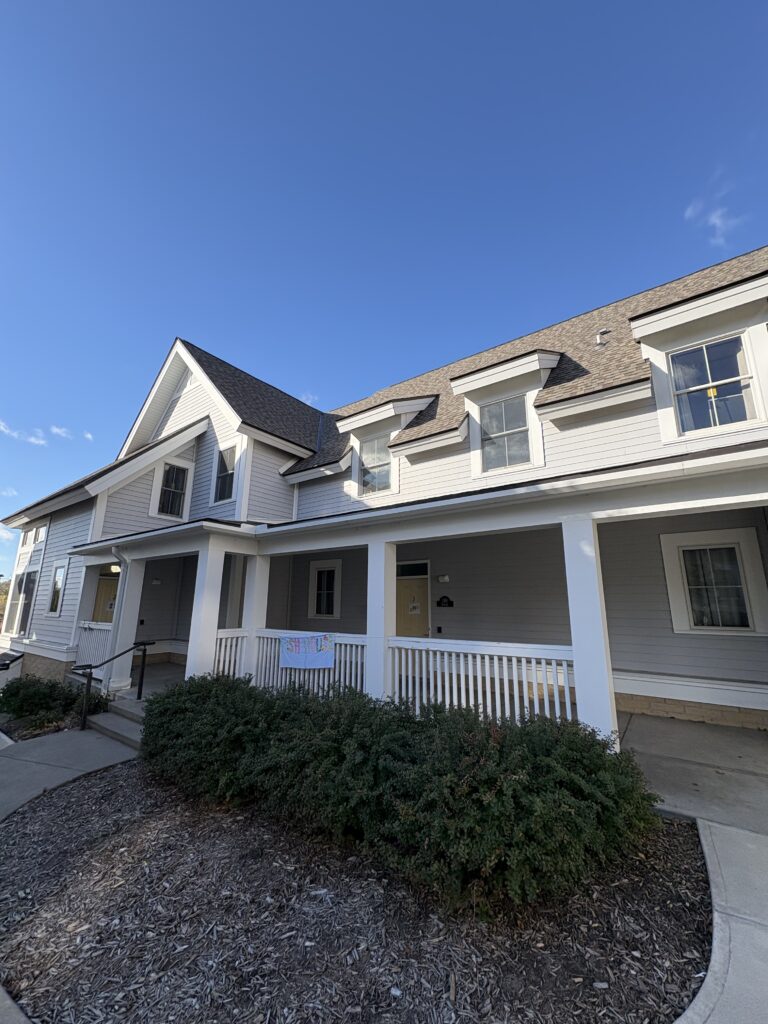
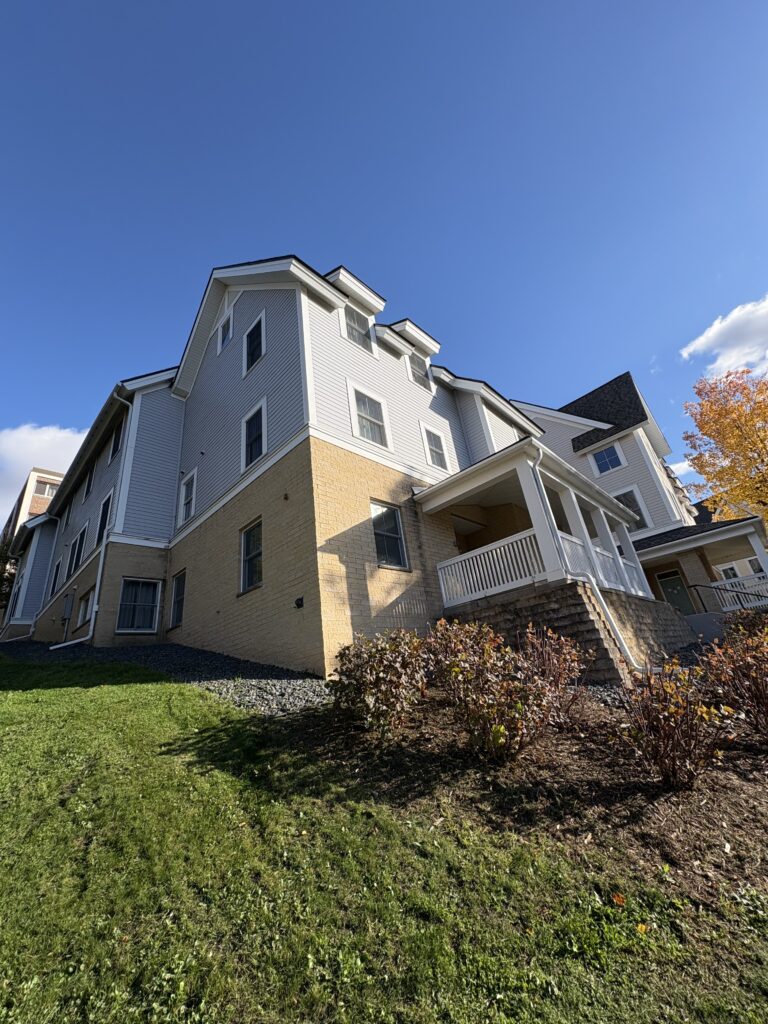
Modeling a building on campus can be useful for having a detailed map of campus as a whole. 3D modeling a building or house can be used to properly understand how a building looks in a 3d environment, which is a contrast to flat 2D photos found in map applications. Similarly, the process of photogrammetry (the making of measurements from photographs to create 3D models of objects) encourages the analysis and close looking of fine details and images.
After taking pictures of Eugster, I used the app Scaniverse, a 3D modelling app that uses the phone’s camera to capture different angles and sides of a building to replicate the building in a digital space. Scaniverse worked well for me, and my results can be seen below. The app was intuitive; we were asked to follow our object (in this case the house) with a steady phone and capture as many angles of the house as possible. Creating a model of the house in a 3D space made me feel like a more active observer of the building, as I noticed specific details and elements that I missed when visisting my friends who lived in the house.
The next step for this assignment was to use the photos of Eugster that I took, and use the app and 3D modelling tool, Metashape. This however, came with significant difficulties and problems. After uploading all of the photos that I took of the building to Metashape, the app simply did not work as intended. The app struggled to properly recognize many of the images, and the photos that actually were recognized were not pieced together properly. I tried uploading images in groups of 5-10, which didn’t work. I tried resetting the app, which didn’t work either. I even tried uploading the Eugster model I took with Scaniverse, which unfortunately didn’t work either. The app simply didn’t work as intended.
I have some hypotheses as to why the app didn’t work. Some of the photos I took were horizontal, whereas others were vertical. Another theory is that some of the photos I uploaded were not in the right chronological order. I tried to fix these issues as I uploaded the photos to Metashape but unfortunately it didn’t work.
I’m dissappointed with my lack of success but this week’s lab assignment was simply a losing battle. I know that my failiures with this assignment do not reflect my personal intelligence or skills and I will prove my own abilities next time.


I really appreciate your thoughtful reflection on the process. I like how you connected technical difficulties to deeper observation. Even when the model didn’t turn out perfectly, you still gained insight by noticing new architectural details. I think that 3D modeling shows the complexity of translating real-world structures into digital form, emphasizing both precision and interpretation. It makes me think about how trial and error can deepen our understanding of both tools and the spaces we study.